When I first encountered Entity Framework Core interceptors, I honestly did not pay much attention to them. At that time, I was busy solving more visible problems like wrong data, slow queries, or strange bugs in production. Interceptors sounded like an advanced feature that I might not need. Later on, after facing several real world issues in my projects, I realized that interceptors are one of those tools you do not think about until the pain becomes very real.
This post is based on lessons I learned while building backend systems for HR, payroll, and finance related platforms. The code examples here are not taken from my actual production projects. They are simplified examples created only to explain the idea clearly and safely. I am sharing the thinking process, not the exact implementations.
I will walk through what EF Core interceptors are, how they fit into the query pipeline, and how I used the same concepts to solve business problems like soft deletes, auditing, multi tenant filtering, and unexpected performance issues. I will mix explanation, short stories, and code so it feels like how developers normally explain things to each other.
Life before interceptors
Before interceptors, most of my EF Core logic lived in three places. DbContext, repositories, and sometimes in application services. At first, this felt clean. But over time, I started repeating the same logic again and again.
For example, I remember one project where every query needed to exclude inactive records. In theory, this sounds simple. Just add a condition like IsActive equals true. In reality, it was painful. I forgot to add it in some queries, reports showed wrong numbers, and QA kept asking why deleted employees were still showing in some screens.
At one point, my queries looked like this everywhere.
var employees = await context.Employees
    .Where(e => e.IsActive)
.ToListAsync();Then joins started appearing.
var result = await context.Employees
    .Where(e => e.IsActive)
    .Join(context.Departments,
        e => e.DepartmentId,
        d => d.Id,
        (e, d) => new { e, d })
    .Where(x => x.d.IsActive)
    .Select(x => new
    {
        x.e.EmployeeNumber,
        x.e.FullName,
        DepartmentName = x.d.Name
    })
.ToListAsync();You can already see the pattern. The same filtering logic appears everywhere. I remember thinking that there must be a cleaner way, but at that time I just accepted it as part of the job.
Understanding the EF Core query pipeline
To understand interceptors, it helps to understand that EF Core does not immediately hit the database when you write a LINQ query. The query goes through several steps. It is built, translated to SQL, executed, and then materialized into objects.
Interceptors allow you to hook into this pipeline. You can inspect or modify commands, connections, transactions, and even results. In simple terms, EF Core gives you a chance to say, before you run this query or command, let me look at it first.
When I finally read the documentation properly, I realized this was exactly what I needed for cross cutting concerns. Things that should apply everywhere, not just in one repository method.
First real problem that made me use interceptors
In one of my projects, we had an auditing requirement. Every update and insert needed to automatically record who made the change and when. Initially, we did this manually in the application layer.
employee.UpdatedBy = currentUser;
employee.UpdatedAt = DateTime.UtcNow;It worked, until someone forgot to do it. Then audit logs were incomplete. For compliance related systems, that is a serious issue.
This was my first push to centralize the logic.
SaveChanges interceptor for auditing
EF Core provides SaveChanges interceptors. This allows you to intercept SaveChanges or SaveChangesAsync and inspect tracked entities.
Here is a simplified example.
public class AuditSaveChangesInterceptor : SaveChangesInterceptor
{
    public override InterceptionResult<int> SavingChanges(
        DbContextEventData eventData,
        InterceptionResult<int> result)
    {
        var context = eventData.Context;

        if (context == null)
            return result;

        foreach (var entry in context.ChangeTracker.Entries())
        {
            if (entry.State == EntityState.Added)
            {
                entry.Property("CreatedAt").CurrentValue = DateTime.UtcNow;
            }

            if (entry.State == EntityState.Modified)
            {
                entry.Property("UpdatedAt").CurrentValue = DateTime.UtcNow;
            }
        }

        return result;
    }
}When I first tested this, it felt almost magical. Suddenly, I did not need to remember audit fields everywhere. The logic was injected automatically into the save pipeline.
Of course, in real projects, we also passed user information using scoped services. But the core idea stayed the same.
Query interceptors and unexpected performance issues
Another moment where interceptors helped me was performance investigation. I remember a case where a report suddenly became slow after adding a new feature. The SQL generated by EF Core was complex and not easy to inspect by just reading LINQ.
Command interceptors allowed me to log the generated SQL in a controlled way.
public class CommandLoggingInterceptor : DbCommandInterceptor
{
    public override InterceptionResult<DbDataReader> ReaderExecuting(
        DbCommand command,
        CommandEventData eventData,
        InterceptionResult<DbDataReader> result)
    {
        Console.WriteLine(command.CommandText);
        return result;
    }
}This helped me see what EF Core was actually sending to the database. In one case, I discovered an unnecessary join that was added due to a navigation property being accessed earlier in the code.
Without interceptors, I would probably still be guessing.
Multi tenant filtering without polluting queries
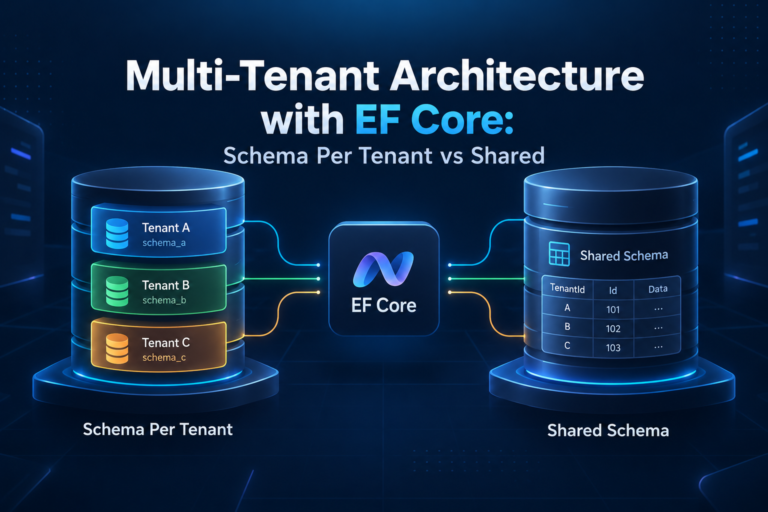
One of the most common business problems I faced was multi tenancy. Each company should only see its own data. Initially, I passed CompanyId everywhere.
var payrolls = await context.Payrolls
    .Where(p => p.CompanyId == companyId)
.ToListAsync();Again, same problem. Forget it once, and data leakage happens.
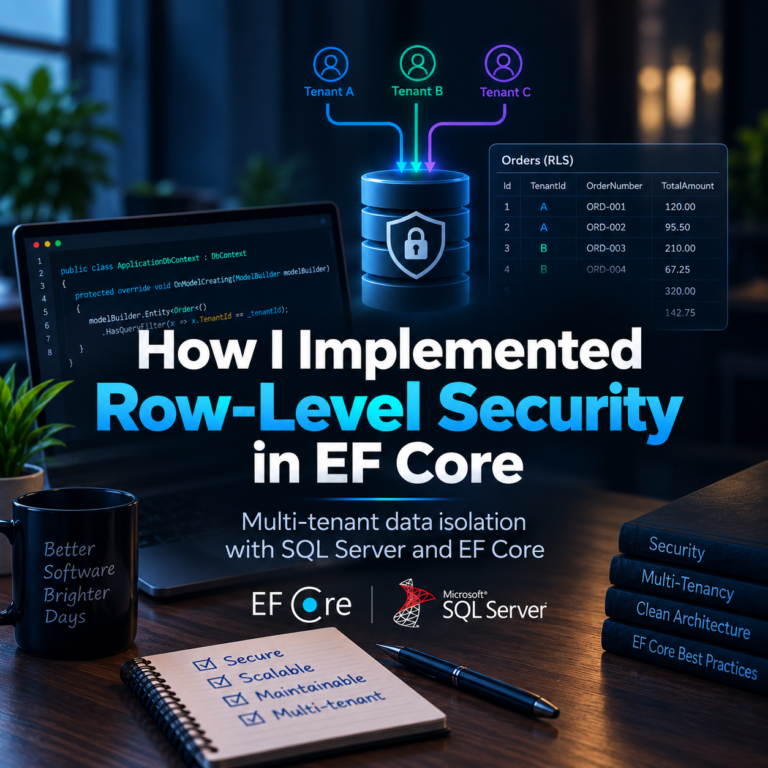
While EF Core has global query filters, interceptors gave me more flexibility in some scenarios, especially when I needed to dynamically change behavior based on the request context.
For example, logging or validating that CompanyId was always present.
public class TenantValidationInterceptor : DbCommandInterceptor
{
    public override InterceptionResult<DbDataReader> ReaderExecuting(
        DbCommand command,
        CommandEventData eventData,
        InterceptionResult<DbDataReader> result)
    {
        if (!command.CommandText.Contains("CompanyId"))
        {
            throw new InvalidOperationException("Tenant filter missing in query");
        }

        return result;
    }
}This is not something I would recommend blindly, but it shows how interceptors can enforce rules at runtime. In one project, this kind of guard helped us catch mistakes early during development.
How simple queries evolved into business logic
At the beginning, my queries were very simple. Just select data.
var employees = await context.Employees.ToListAsync();Then business requirements came. Filtering by status, joining departments, projecting to DTOs.
var employees = await context.Employees
    .Where(e => e.IsActive)
    .Select(e => new EmployeeDto
    {
        Id = e.Id,
        Name = e.FullName
    })
.ToListAsync();Later, rules were added. Exclude terminated employees, apply tenant scope, apply role based visibility. Instead of bloating every query, interceptors allowed me to inject these rules once and let the pipeline handle it consistently.
I remember struggling with this balance. Too much logic in interceptors can make things harder to debug. Too little and you repeat yourself everywhere. It took time to find the right middle ground.
Registering interceptors
To make interceptors work, you need to register them in your DbContext configuration.
optionsBuilder
    .AddInterceptors(
        new AuditSaveChangesInterceptor(),
new CommandLoggingInterceptor());In real projects, I usually registered them through dependency injection so they could access scoped services like the current user or tenant context.
Things I learned the hard way
Interceptors are powerful, but they are not magic. I learned a few lessons.
First, keep them focused. Each interceptor should solve one concern.
Second, document them well. Future developers, including future me, need to understand why something happens automatically.
Third, always test them. Because they run globally, a small mistake can affect many parts of the system.
Final thoughts
EF Core interceptors changed how I think about cross cutting concerns in data access. They helped me reduce duplication, enforce rules, and debug issues that were otherwise invisible.
I did not use them on day one. I used them when pain forced me to look for a better approach. And that is usually how real engineering decisions are made.
Again, the example code in this post is not from my actual production projects. It was created only to simplify the demonstration and explain the ideas clearly.
If you are facing repeated logic in your queries or saves, interceptors are worth exploring. Just use them carefully and intentionally.